
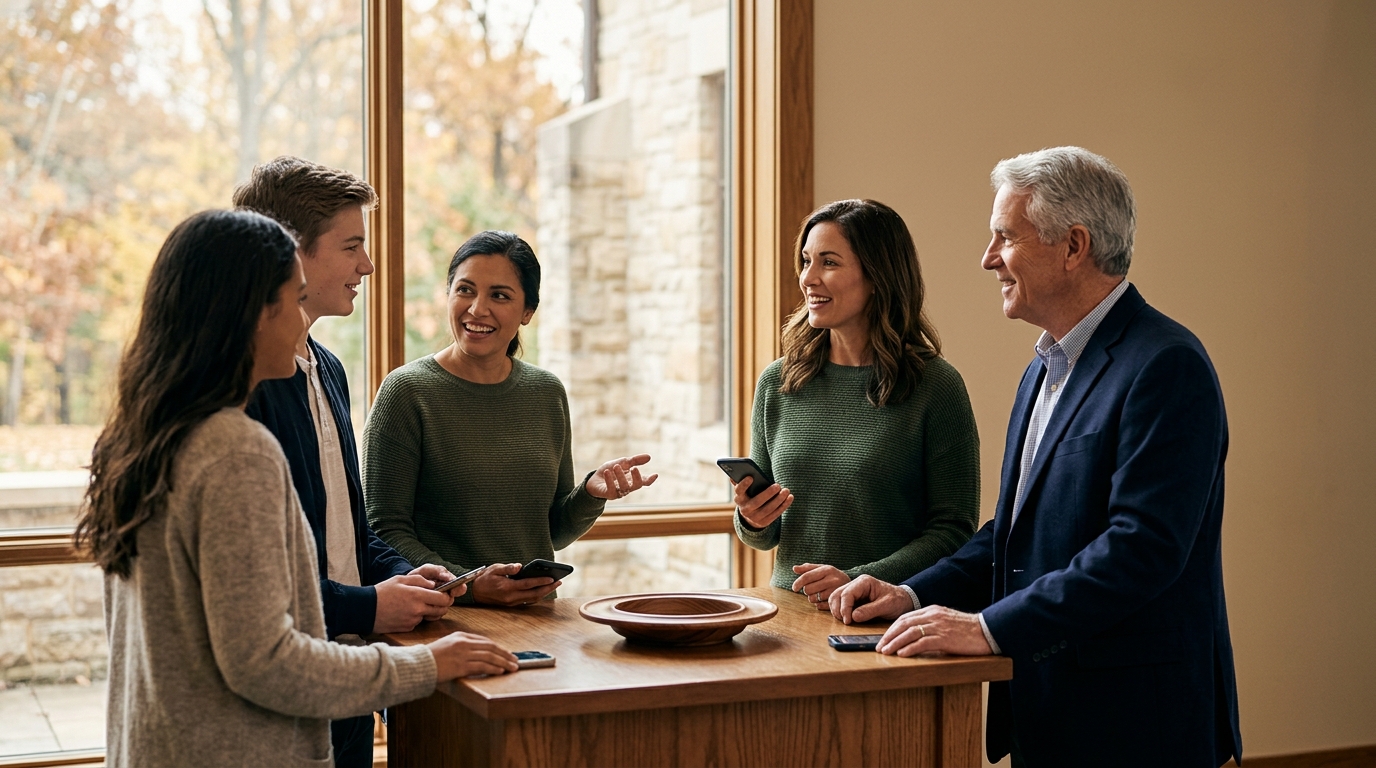
Yes, NFC tap-to-give works with virtually any modern church giving platform. Tap.Giving plates are hardware-only NFC tags that open your existing giving URL in a mobile browser. This means you do not need to switch providers, install an app, or pay monthly subscription fees. This guide explains how the technology connects to your current software, how to verify compatibility, and how to implement backup QR codes for maximum accessibility.
How NFC Connects to Your Platform
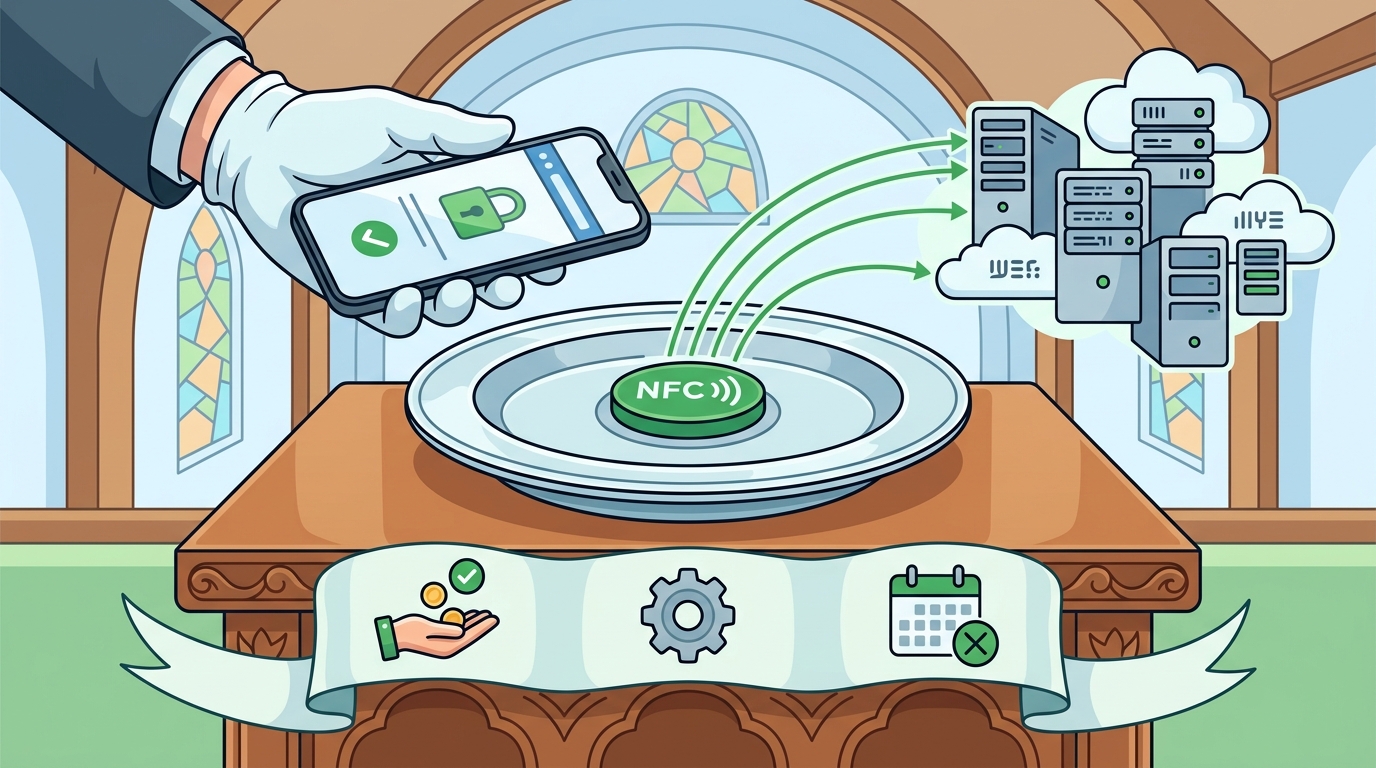
Near Field Communication (NFC) is a short-range wireless technology that allows devices to exchange data when placed within a few centimeters of each other. In the context of church giving, an NFC tag is a passive chip embedded in a durable plate or card. When a donor holds their smartphone near the tag, the phone reads the stored data, which is simply a web address. The phone then opens that address in its default browser, landing the user directly on your giving page.
This mechanism is platform-agnostic because it relies on standard web protocols rather than proprietary APIs. Whether your church uses Tithely, Pushpay, Givelify, Donorbox, or a custom-built solution, the NFC tag does not interact with the database or payment processor directly. It merely acts as a shortcut to the URL you provide. This distinction is critical for understanding why hardware-only solutions like Tap.Giving plates offer flexibility that integrated platform hardware often lacks.
The Role of the Browser
Modern smartphones, including iPhones and Android devices, have built-in NFC readers. When the reader detects the tag, it triggers the browser to load the URL. This process takes less than a second. Because the transaction occurs within the browser, all security features, such as SSL encryption, are handled by your existing giving platform. The NFC tag itself contains no sensitive data, no payment information, and no executable code. It is a static pointer to a secure destination.
Why This Matters for Existing Users
Many churches worry that adding NFC hardware will require migrating their donor database or changing their payment processor. This is not the case. Since the tag opens a web link, your current workflow remains intact. Donors who already use your app or website can continue to do so. New visitors can use the tap plate to access the same secure giving page. This seamless integration ensures that you capture donations from both long-time members and first-time guests without technical friction.
Verifying Compatibility With Your Software
While the technology is universal, the specific URL you encode on the tag must be correct. To verify compatibility, you must identify the direct link to your giving page. Most giving platforms provide a unique URL for online donations. For example, a Tithely user might have a link ending in /give, while a Pushpay user might have a link to their specific campaign page. You should test this URL on a mobile device before ordering hardware to ensure it loads correctly and displays the giving interface.
Common Platform Scenarios
Here is how the connection works for popular platforms:
- Tithely: Encode your Tithely giving URL. Donors tap and land on the Tithely page to give via card or bank account.
- Pushpay: Encode your Pushpay giving page. The tap opens the Pushpay interface, allowing for quick donations.
- Givelify: Encode your Givelify campaign link. This bypasses the need for the Givelify app, opening the web version instead.
- Donorbox: Encode your Donorbox form URL. This is ideal for churches using Donorbox for both online and in-person giving.
By using a hardware-only approach, you avoid the lock-in associated with platform-specific NFC tags. If you switch giving providers in the future, you can simply update the URL on your existing plates, provided you use a redirect service or re-encode the tags. Tap.Giving offers a smart redirect dashboard that allows you to change the destination URL without reprinting the hardware, ensuring long-term flexibility.
Backup QR Codes and Accessibility
While NFC is the primary interaction method, not every smartphone supports it. Older iPhones, specifically models prior to the iPhone XS, and some older Android devices may lack NFC capabilities. To ensure every donor can give, Tap.Giving plates include a printed QR code as a backup. This QR code points to the same URL as the NFC chip. If a donor’s phone does not support NFC, they can simply open their camera app, scan the QR code, and be taken to the giving page.
This dual-method approach is essential for maximizing accessibility. It ensures that the physical presence of the plate serves all attendees, regardless of their device age. The QR code is printed directly on the plate, making it visible and easy to scan. This redundancy is a key feature of the hardware lineup, which prioritizes durability and user experience. By including both NFC and QR, you eliminate the barrier of device compatibility, ensuring that the impulse to give is not lost due to technical limitations.
Design Considerations for QR Codes
The placement of the QR code is important for usability. It should be large enough to scan easily but not so large that it overwhelms the church’s branding. Tap.Giving plates are designed with a clean aesthetic that balances the logo, the NFC tap indicator, and the QR code. The QR code is typically placed in a corner or at the bottom of the plate, where it is easily accessible but does not interfere with the primary tap action. This design ensures that the plate looks professional and intentional, rather than like a temporary sticker.
Implementation and Mounting
Once you have verified your URL and selected your hardware, the next step is installation. Tap.Giving plates are made from durable, waterproof PVC and come with adhesive backing or pre-drilled screw holes. This allows for secure mounting on pew backs, chair backs, or lecterns. The choice of mounting method depends on your furniture. Adhesive is best for smooth, non-porous surfaces, while screws provide a more permanent solution for older or textured wood.
Proper placement is crucial for user experience. The plate should be positioned at a height that is easy to reach, typically at chest or waist level when seated. It should also be placed where it is visible but not obstructive. Many churches place plates on the back of the pew in front of the seat, allowing the donor to tap the plate on the seat in front of them. This placement is intuitive and does not require the donor to stand up or move around. For more details on installation, you can refer to our how it works guide.
Testing Before the Service
Before announcing the new giving method to your congregation, test the plates in the actual environment. Ensure that the NFC signal is strong enough to be detected from a typical tapping distance. Test the QR code with different phone models to ensure it scans quickly. This testing phase helps identify any issues with placement or signal strength before the first service. It also allows you to familiarize your team with the process, so they can assist donors who may be unfamiliar with the technology.
Key Takeaways
- NFC tap-to-give works with any giving platform that has a web URL.
- The hardware is platform-agnostic, meaning you do not need to switch providers.
- Tap.Giving plates include a backup QR code for devices without NFC.
- The technology is secure because it relies on the existing SSL encryption of the giving page.
- Implementation is simple, requiring only a URL and a mounting location.
- Using a redirect service allows you to change the destination URL without reprinting hardware.
- Proper placement and testing are essential for a smooth user experience.
- Tap.Giving offers transparent pricing with no monthly fees, making it a cost-effective solution.
Frequently Asked Questions
Does NFC tap work with Tithely?
Yes, NFC tap works with Tithely. You simply encode your Tithely giving URL on the Tap.Giving plate. When a donor taps, their phone opens the Tithely page in the browser, allowing them to give without downloading the Tithely app.
Do I need to change my giving platform to use NFC?
No, you do not need to change your giving platform. Tap.Giving plates are hardware-only and work with any platform that provides a web link for donations. You can keep your current provider and add NFC as a new access point.
What if my phone does not have NFC?
If your phone does not have NFC, you can use the backup QR code printed on the plate. Simply open your camera app and scan the code to access the giving page. This ensures that all donors can give, regardless of their device capabilities.
Is the NFC tag secure?
Yes, the NFC tag is secure. It contains only a web address and no sensitive data. The actual transaction is handled by your giving platform, which uses SSL encryption and other security measures to protect donor information.
Can I change the URL on the plate later?
Yes, if you use a redirect service, you can change the destination URL without reprinting the hardware. Tap.Giving offers a smart redirect dashboard that allows you to update the link instantly. This is useful if you switch giving platforms in the future.
How much do Tap.Giving plates cost?
Tap.Giving plates are available from $3.50 per plate, with no monthly fees. The price varies based on quantity, with bulk discounts available for larger orders. You can see the exact pricing on our pricing page.
Conclusion
NFC tap-to-give is a versatile and effective way to enhance your church’s giving experience. By using hardware-only plates from Tap.Giving, you can integrate this technology with your existing giving platform without any additional cost or complexity. The inclusion of backup QR codes ensures that all donors can participate, regardless of their device. If you are ready to modernize your giving process, order your custom plates today and see the difference a single tap can make.